Administrators can use the OPTOVERA dashboard to review User activity, test results, baseline progress, and operational follow-up information for their customer environment.
The dashboard includes:
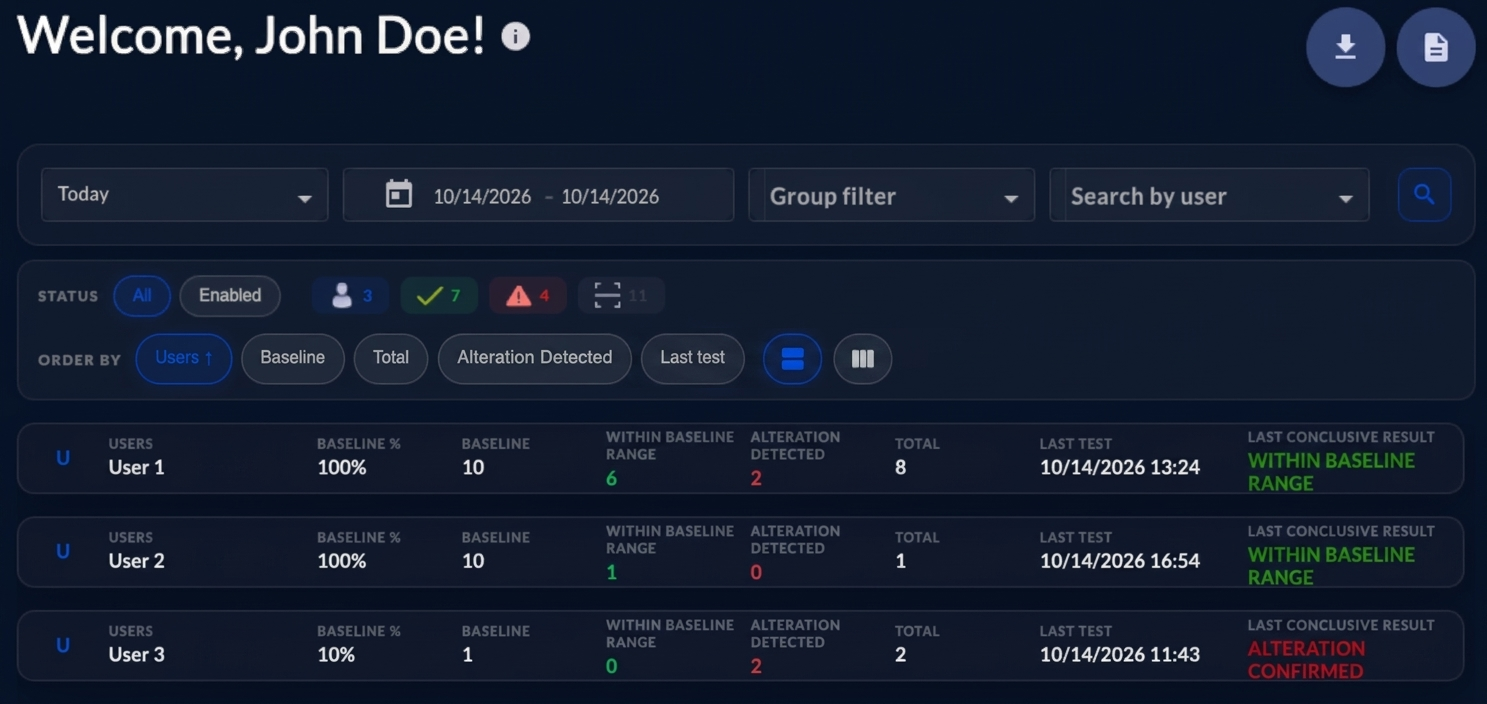
- Date filters to review information for a selected period.
- Search by username to find a specific User.
- General activity indicators, such as the number of Users tested and the number of tests performed.
- Result indicators, including Within Baseline Range and Alteration Detected counts.
- A user list with result summaries, baseline information, the latest test information, the association method each User uses, and any pending PIN reset.
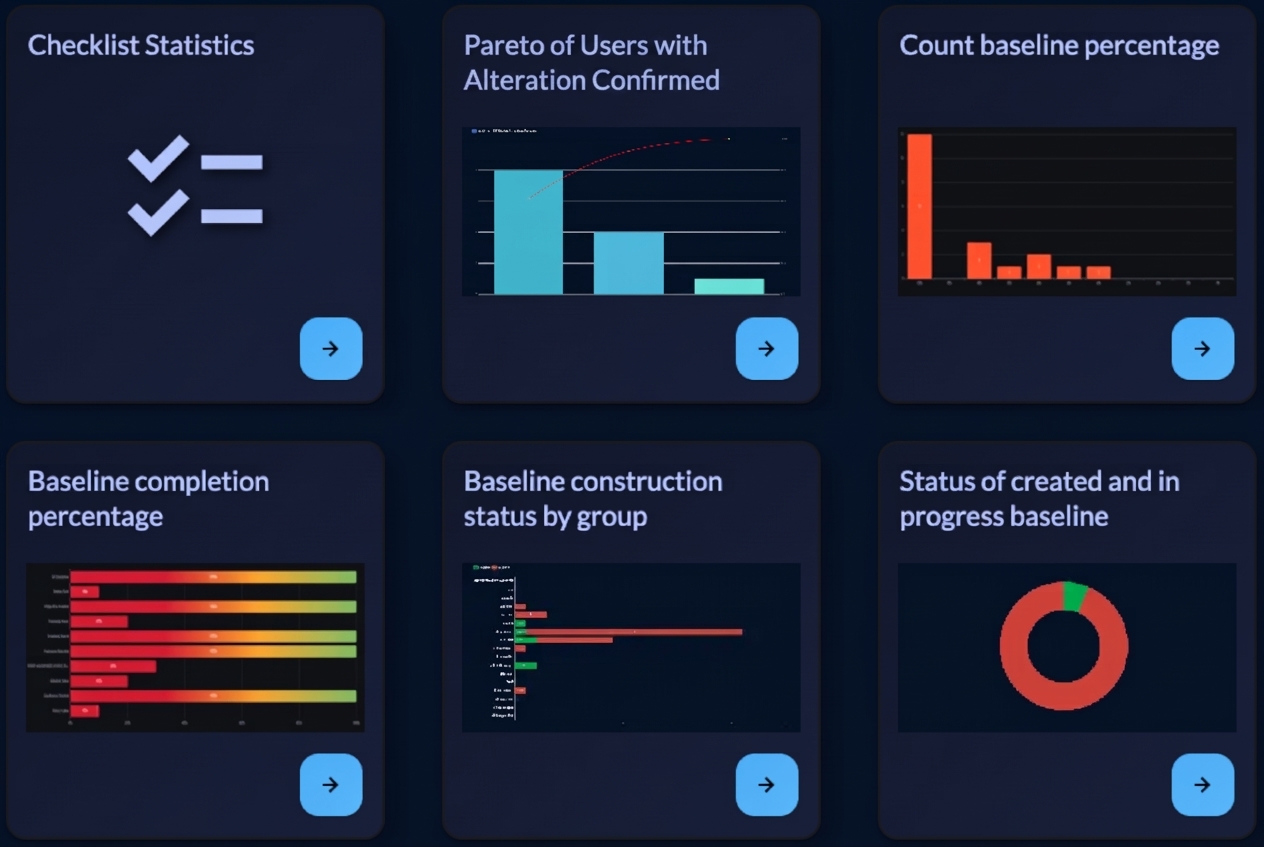
The dashboard also includes reports that help administrators review testing activity and follow trends over time. These reports may include measurements per person, baseline completion, Within Baseline Range and Alteration Detected counts, daily test activity, Alteration Confirmed rates, and tested Users compared with enrolled Users.
The dashboard never shows a User’s PIN. It also does not give access to Eye Video files.
This gives administrators a central place to monitor platform use, review results, identify Users who may still be completing baseline acquisition, and support the organization’s safety workflow.
OPTOVERA dashboard summary
OPTOVERA dashboard Analytics