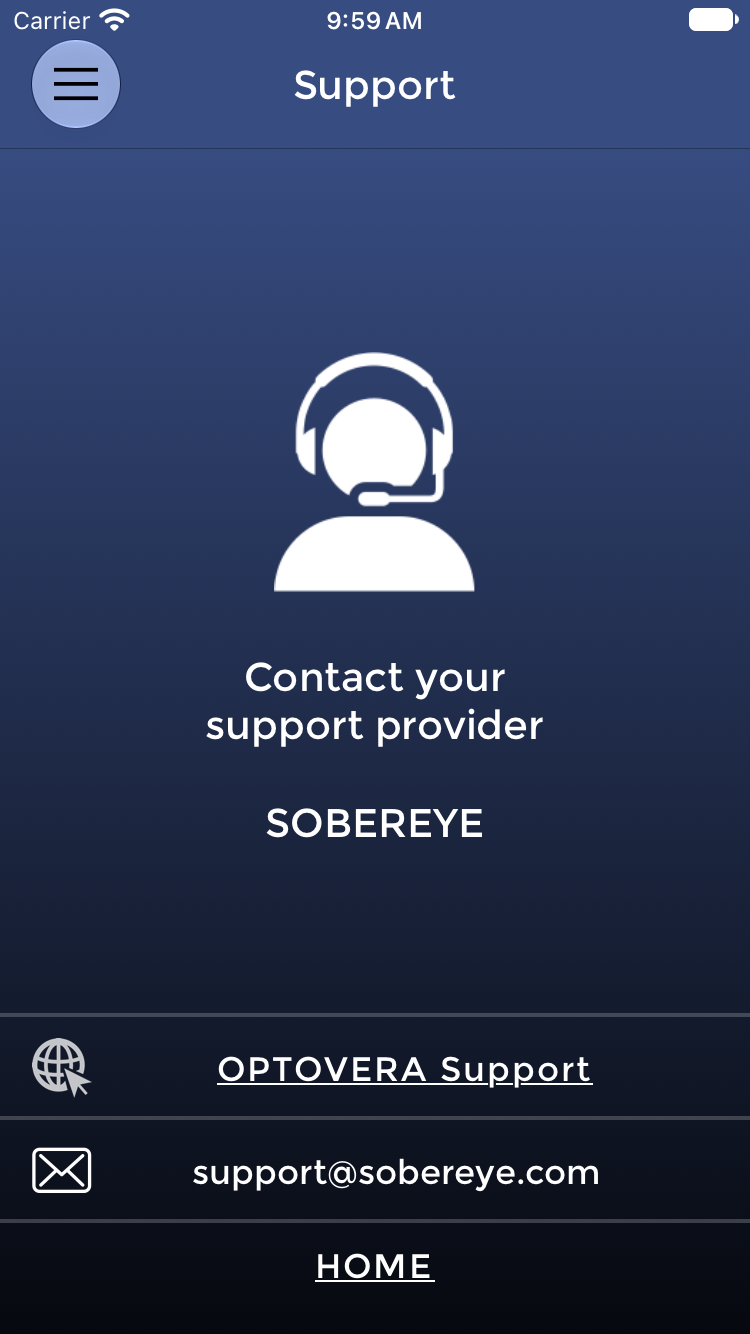
To contact OPTOVERA support from the Device, tap the menu icon at the top left of the screen, then select contact support.
Contact support for synchronization problems that persist, Users missing from USERS LIST after synchronization, Device software that freezes, repeated invalid measurements, or association issues. Where assistance on a Device is needed, a remote-support session limited to the managed Device can be arranged with an authorized Customer representative. SOBEREYE does not require access to the Customer's internal network.