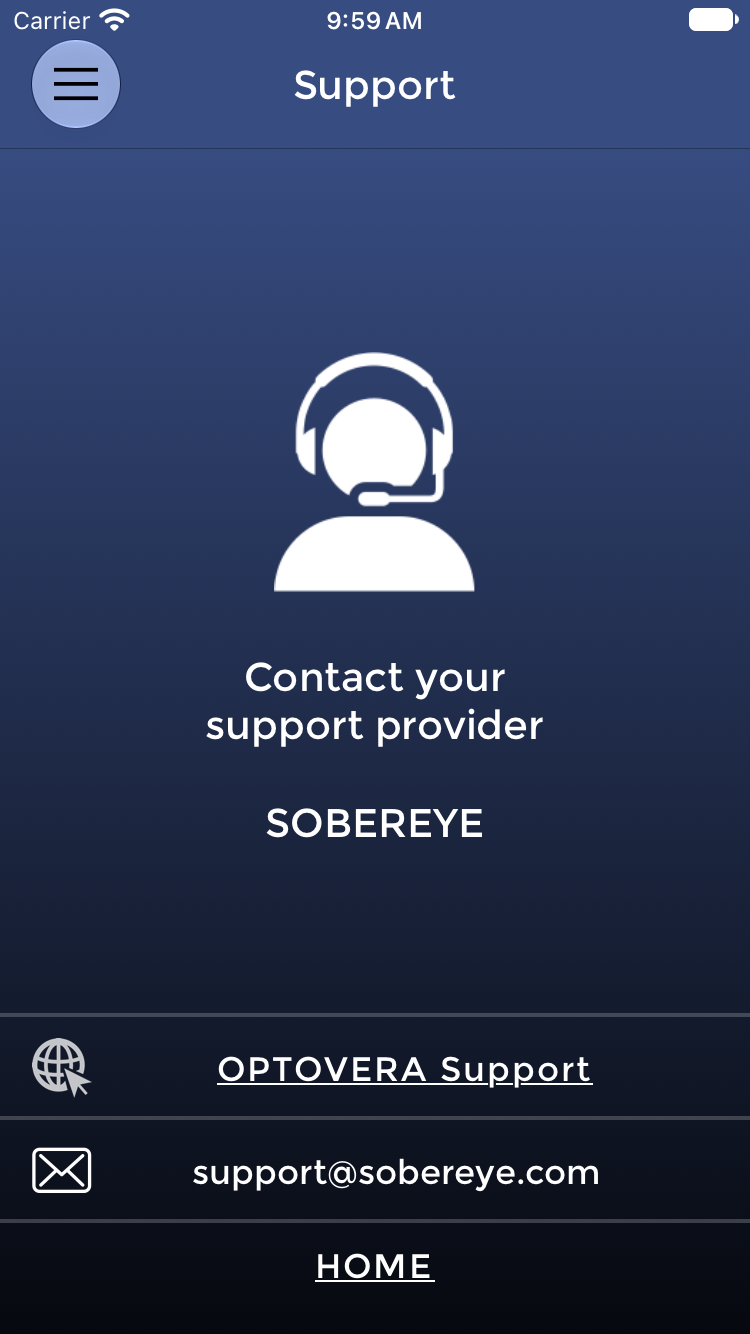
From the Device, tap the menu icon at the top left of the screen, then select contact support. You can also write to support@sobereye.com.
Contact support when:
- synchronization problems persist after the steps in Questions 1 and 7;
- a User is missing from USERS LIST after synchronization;
- the Device software continues to freeze or does not respond;
- a User repeatedly fails to obtain a valid measurement;
- iris recognition fails repeatedly despite correct technique;
- tests are recorded under the wrong username;
- a dashboard password cannot be reset.
Where assistance on a Device is needed, a remote-support session limited to the managed Device can be arranged with an authorized Customer representative. SOBEREYE does not require access to the Customer's internal network.
---