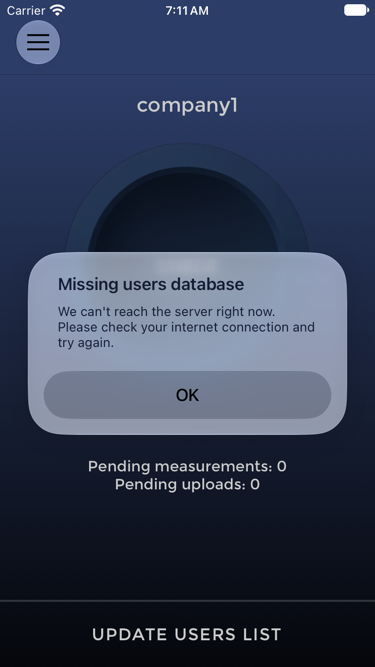
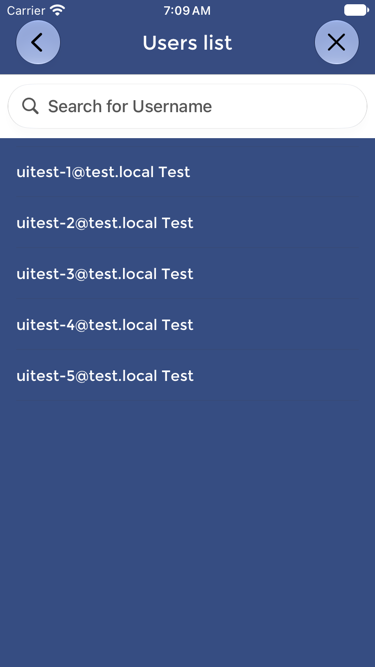
A User may be missing because the User was not added in the dashboard, the User status is not enabled, the User was assigned incorrectly, or the Device has not synchronized since the User was added.
- Confirm in the dashboard that the User has been added, assigned to the correct group where applicable, and enabled.
- Confirm that the Device has internet connectivity.
- Press UPDATE USERS LIST on the Device.
- Open the Device menu and check USERS LIST again.
The User should not start the test until the correct username appears on the Device.
If the username still does not appear after synchronization, contact OPTOVERA support.