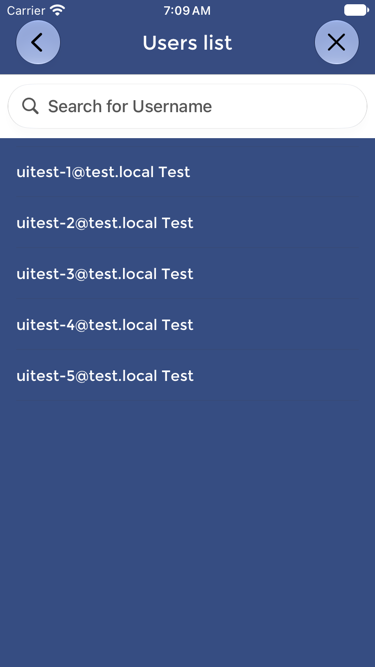
Before testing, supervisors can verify that the User appears on the Device.
To do this, open the Device menu and check USERS LIST. If the User does not appear, the Device may not have the current user list, or the User may not have been added correctly in the dashboard.
In that case, the supervisor can:
- Confirm that the User has been added and enabled in the dashboard.
- Confirm that the Device has internet connectivity.
- Press UPDATE USERS LIST on the Device.
- Check USERS LIST again before testing.
This check is especially useful at the beginning of a shift, after new Users have been added, after User information has changed, or after a PIN reset.